zoya
your mac, by voice. hold fn and shift, say what you want, and it's done.
Zoya says: Hi, I'm Zoya. Just tell me what you'd like done.
hold. say it. let go.
hold fn and shift.
in any app, on any website. zoya is listening.
say it.
in your own words, the way you'd ask a friend.
let go.
zoya takes it from there, across your apps and the web.
done.
and anything that pays, sends or deletes still waits for your “confirm”.
your mac should do what you mean.
every app and every website asks you to find the right button. zoya doesn't. say what you want in your own words, and zoya does it for you, across your apps and the web.
built first for people who can't see the screen. made for everyone.
see it for yourself.
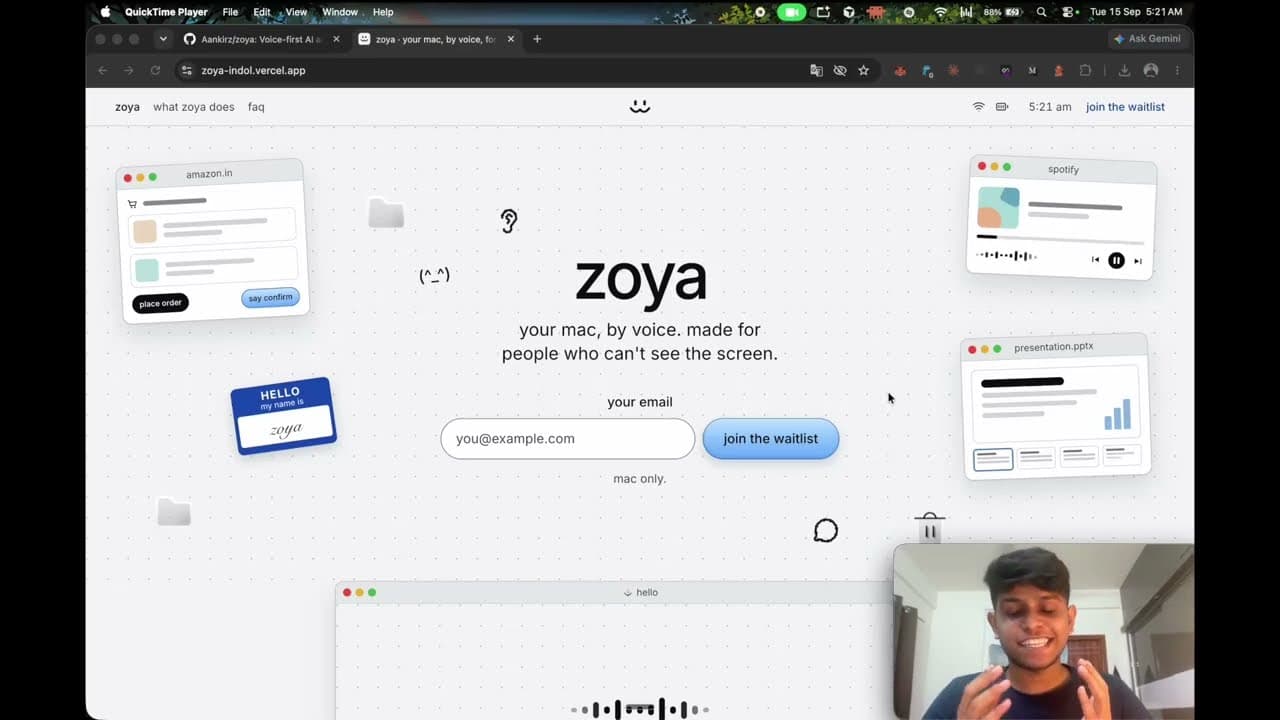
what zoya does
shops for you
finds it, adds it to your cart, and asks for your spoken “confirm” before anything is paid for.
plays your music
name a song, an artist or an album, and it starts playing.
makes your slides
tell it the topic, and your deck is ready in keynote or powerpoint.
you're in charge
nothing happens without your yes
paying, sending, deleting: zoya stops and waits for your “confirm”.
your passwords stay yours
zoya pauses at a password or code. you type it, say “done”, and it carries on.
hold fn and shift. say what you want.
or start with “hey zoya”. or press ⌘k in zoya's window and type.
hey zoya, open youtube
opens it in your browser.
hey zoya, what's the weather in bangalore?
tells you, out loud.
hey zoya, write a note: call mom at six
saves it to notes.
hey zoya, play tum hi ho by arijit singh on spotify
starts the song.
zoya, stop
stops what it's doing.
zoya, quit
closes zoya. so does control, shift and escape.
one plan. $20 a month.
everything zoya does, for one price.
everything included.
shopping, music, slides and the rest. no tiers, no add-ons.
no api keys.
nothing to find, copy or paste.
runs on your mac.
hold fn and shift, say “hey zoya”, or press ⌘k in zoya's window and type.
private.
what you say is transcribed right on your mac.
questions, answered
is zoya watching my screen all the time?
no. zoya looks at your screen only when a task needs it, like when you ask “what's on my screen?”. it listens for “hey zoya” right on your mac, and your voice recordings stay there.
who is zoya for?
anyone with a mac. and if you can't see the screen, zoya is fully built for you too.
how much does it cost?
$20 a month, with everything included. you don't need an api key.
does zoya replace voiceover?
no. keep voiceover for moving around your mac. zoya works right alongside it and takes on whole tasks.
what about passwords and payments?
zoya never types a password or a one-time code, and never stores your card. nothing is paid for until you say “confirm”.
which mac do i need?
a mac with apple silicon and an internet connection.
when can i get it?
soon. join the waitlist, and we'll email you when zoya is ready.